
Help Center Getting started
Welcome to Hermes IMS
What Hermes does, who it's for, and the ideas everything else builds on.
Hermes IMS is inventory and profit tracking for resellers, flippers, and repair shops. It follows every item from the day you buy it to the day it sells, and tells you what you really made after fees, shipping, ad costs, and repairs.
The big idea: one item, one life story
Everything in Hermes is an item: one physical thing you bought to resell. Each item moves through a simple lifecycle:
| Status | What it means |
|---|---|
| Bought | You have it, but haven't worked on or listed it yet. |
| In repair | You're fixing, cleaning, or testing it. Parts you buy are added to its cost. |
| Listed | It's for sale somewhere (eBay, Facebook Marketplace, in person…). |
| Sold | It sold. Hermes works out the profit. |
| Returned | The buyer sent it back or the sale was refunded. |
| Written off | Lost, broken beyond repair, or kept for yourself. |
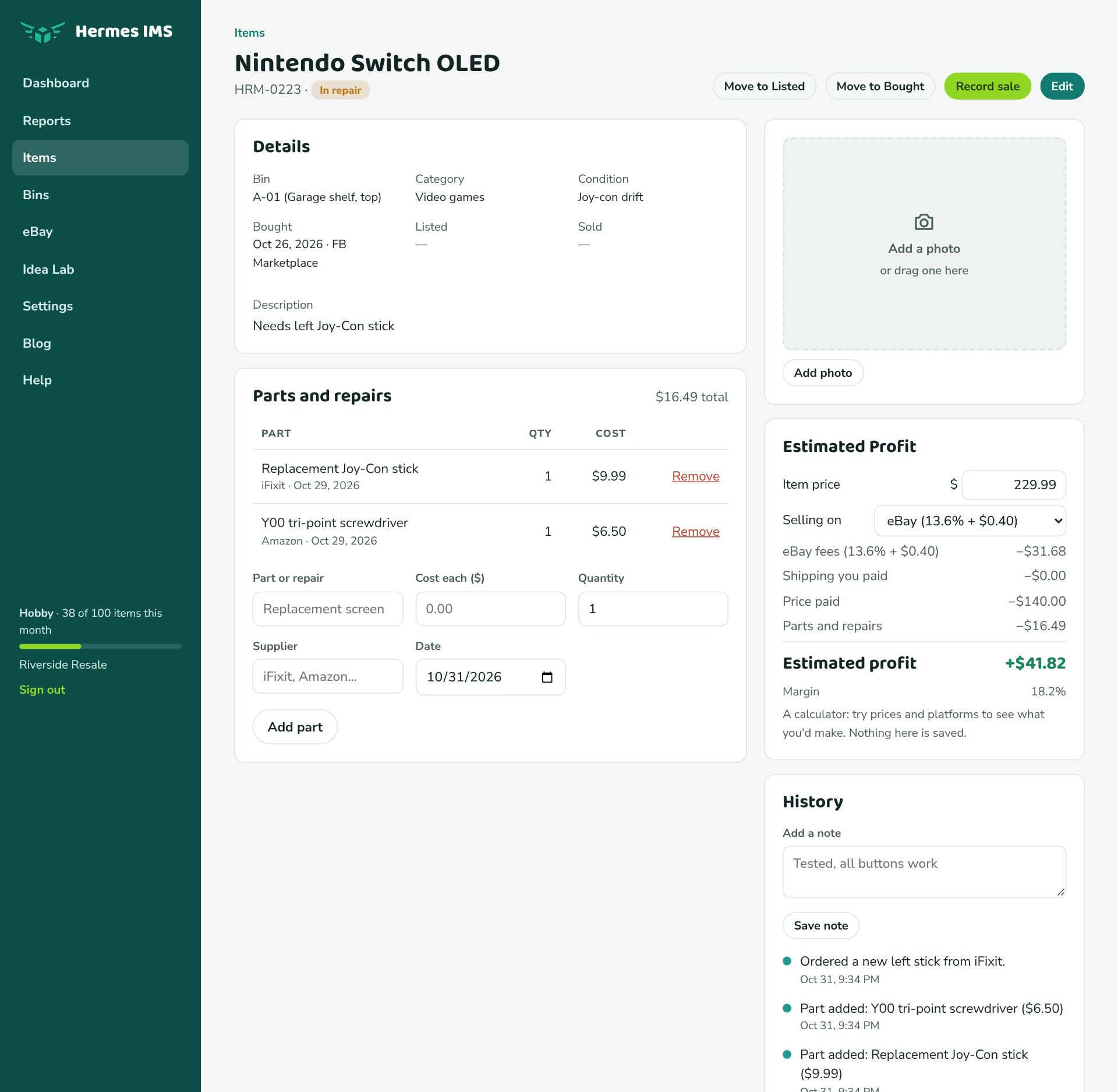
Along the way Hermes records what you paid, where you found it, which bin it's stored in, its category, any parts and repairs, and the sale details. Every change is saved to the item's history, so you can always see what happened and when.
What you get out of it
- Real profit per item and per month, after every cost, on the dashboard and in Reports.
- Know where everything is, with bins for shelves, totes, and drawers.
- Less typing: connect eBay and your listings and sales come in on their own, with eBay's real fees. Or import a spreadsheet you already keep.
- Spot slow sellers: see what's been listed for 30, 60, or 90+ days and your inventory value (the money tied up in unsold items).
Where to go next
- New here? Follow the quick start. It takes about 15 minutes.
- Moving from a spreadsheet? See Import items from a spreadsheet.
- Sell on eBay? Connect your eBay account first; it does a lot of the work for you.