
Help Center Items
Notes and item history
Every change to an item is saved with a date and time. Add your own notes too.
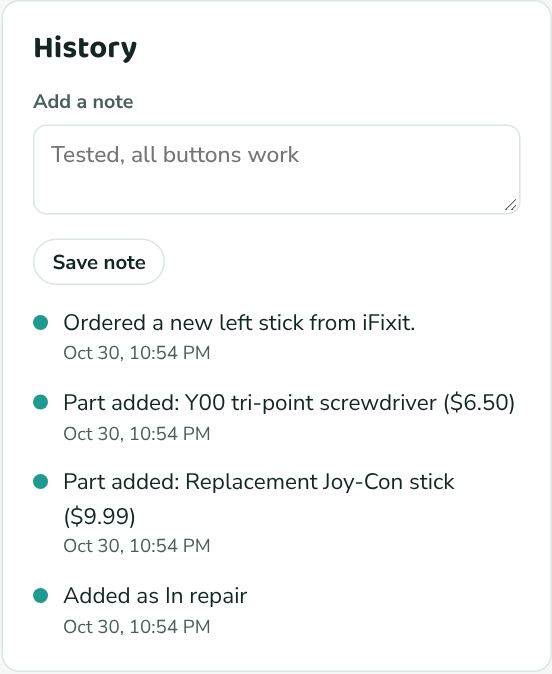
The History card on each item lists, newest first: when it was added, every status change, parts added or removed, and your notes. Times are shown in your time zone.
- Open the item.
- Type in Add a note (for example "Tested, all buttons work" or "Buyer asked about the box").
- Click Save note.