
Help Center Idea Lab
Suggest and vote on features in the Idea Lab
Tell us what to build next, vote on other people's ideas, and follow progress.
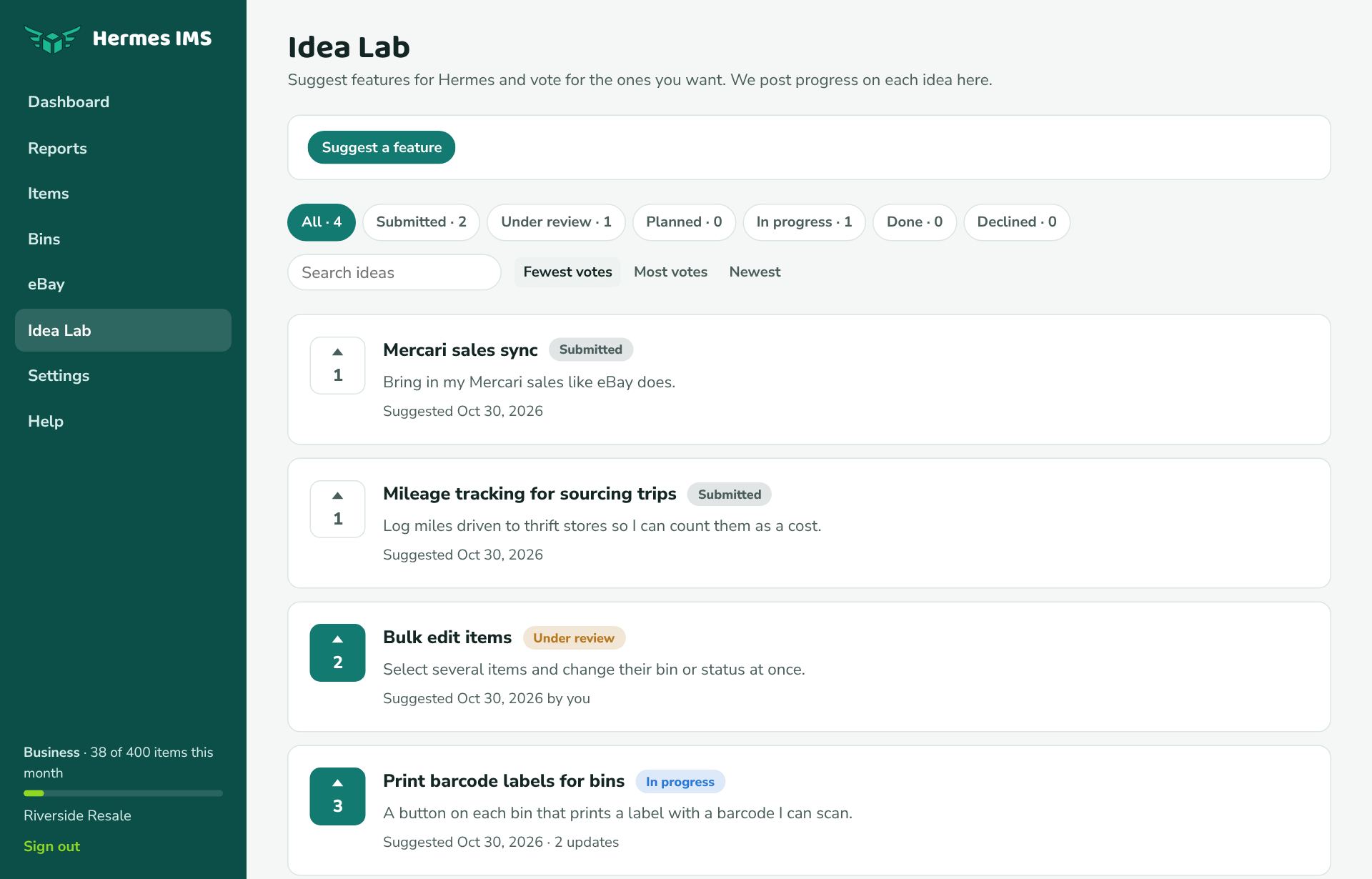
Suggest an idea
- Click Idea Lab in the sidebar.
- Click Suggest a feature.
- Write a short Subject and a Description of what it would do and how it would help you.
- Click Add idea. Your vote is added automatically.
Other users see your idea, but not your name or email. You can Edit idea any time from its page. You can add up to 5 ideas a day.
Vote
Click the arrow next to an idea to vote. Click it again to take your vote back. Everyone gets one vote per idea.
Find ideas
- Sort by Fewest votes (the default, so newer ideas get seen), Most votes, or Newest.
- Filter by status, or search the subject and description.
Follow progress
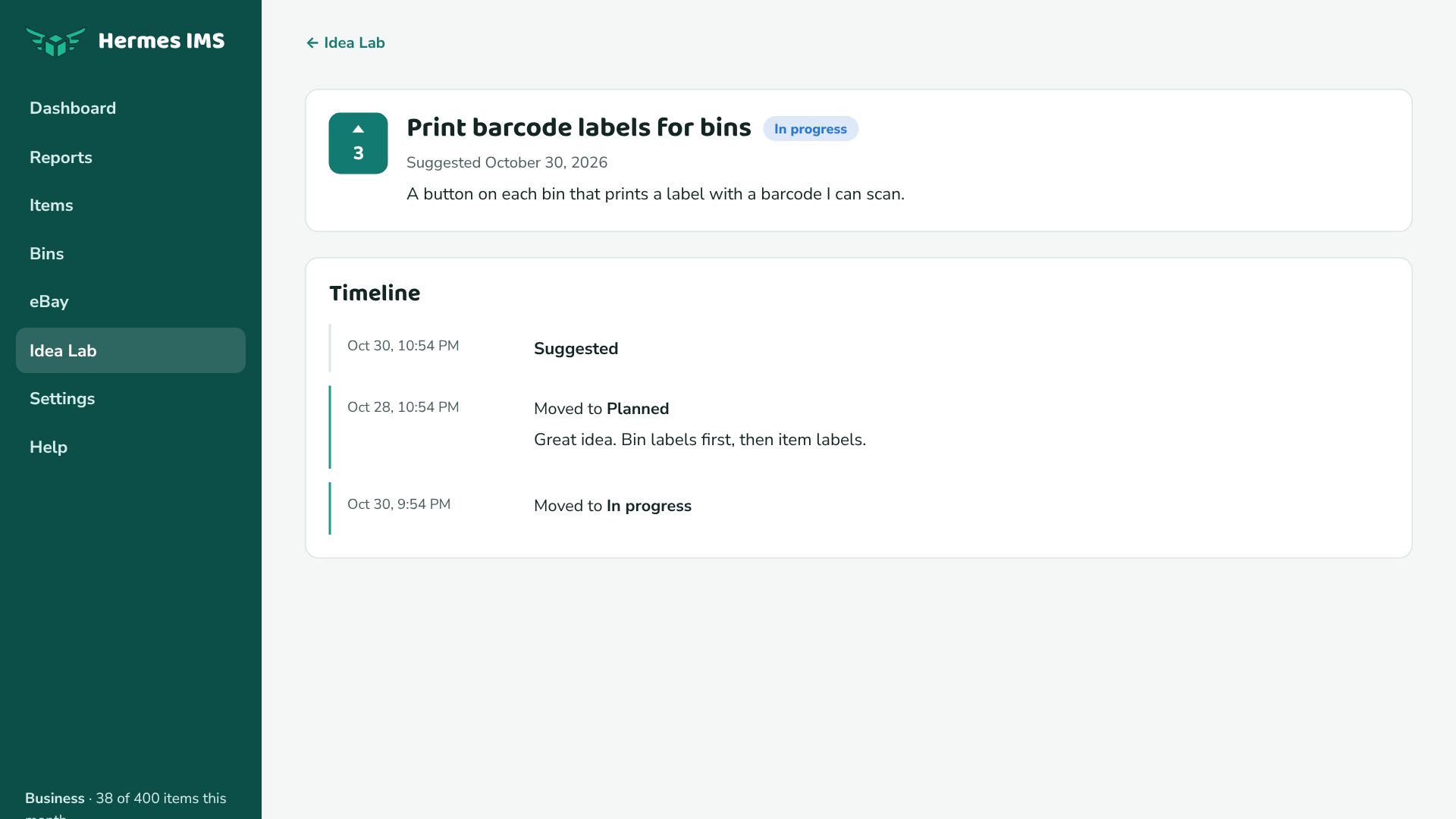
| Status | Meaning |
|---|---|
| Submitted | New; we haven't looked at it yet. |
| Under review | We're thinking about it. |
| Planned | We're going to build it. |
| In progress | We're building it now. |
| Done | It's in Hermes. Go try it! |
| Declined | We're not going to build it (the timeline says why). |
When the status of an idea you suggested changes, we email you.