
Help Center Emails
Emails Hermes sends and how to choose them
Account and billing emails, plus a weekly summary, sale alerts, and limit warnings you can turn off.
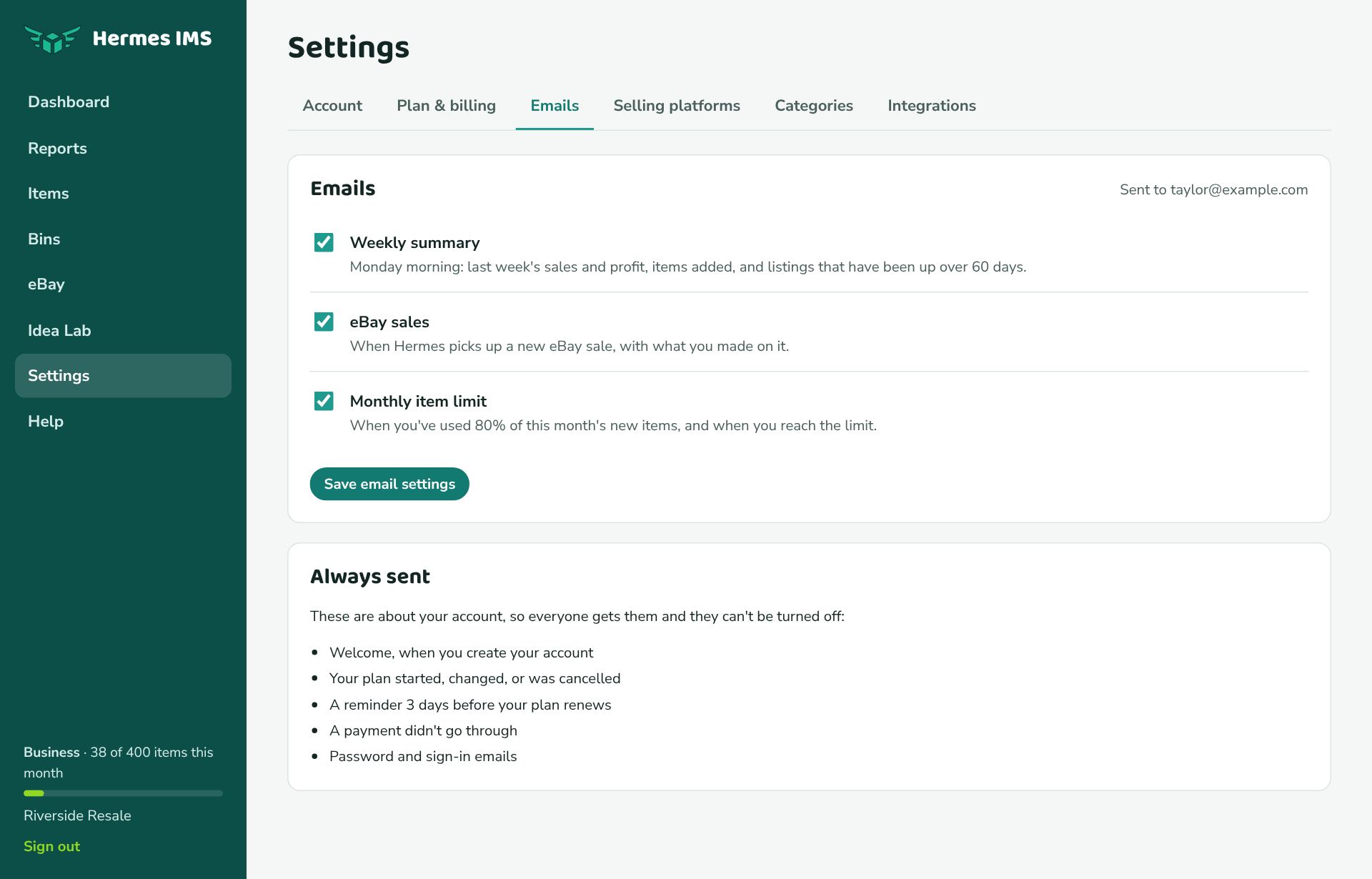
Emails you can turn on or off
| When | Plans | |
|---|---|---|
| Weekly summary | Monday morning in your time zone: last week's sales, profit, items added, stock, and listings up over 60 days. | Paid plans |
| eBay sales | When Hermes picks up a new eBay sale, with what you made on it. | Paid plans |
| Monthly item limit | At 80% of your limit, and when you reach it. | Paid plans; Free gets the "limit reached" email only |
Change them in Settings → Emails and click Save email settings, or use the Unsubscribe link at the bottom of any of these emails (it works without signing in).
Emails you always get
These are about your account, so they can't be turned off:
- Welcome, when you confirm your account.
- Your plan started or changed, when you upgrade or switch.
- Your plan is cancelled, with how long you keep it.
- Payment didn't go through, if PayPal can't take a payment.
- Your plan renews on …, 3 days before each renewal.
- Your idea is now …, when the status of an idea you suggested in the Idea Lab changes.
- Sign-up confirmation and password reset emails.