
Help Center Getting started
Using Hermes on your phone
Hermes works in your phone's browser. Add it to your home screen for one-tap access.
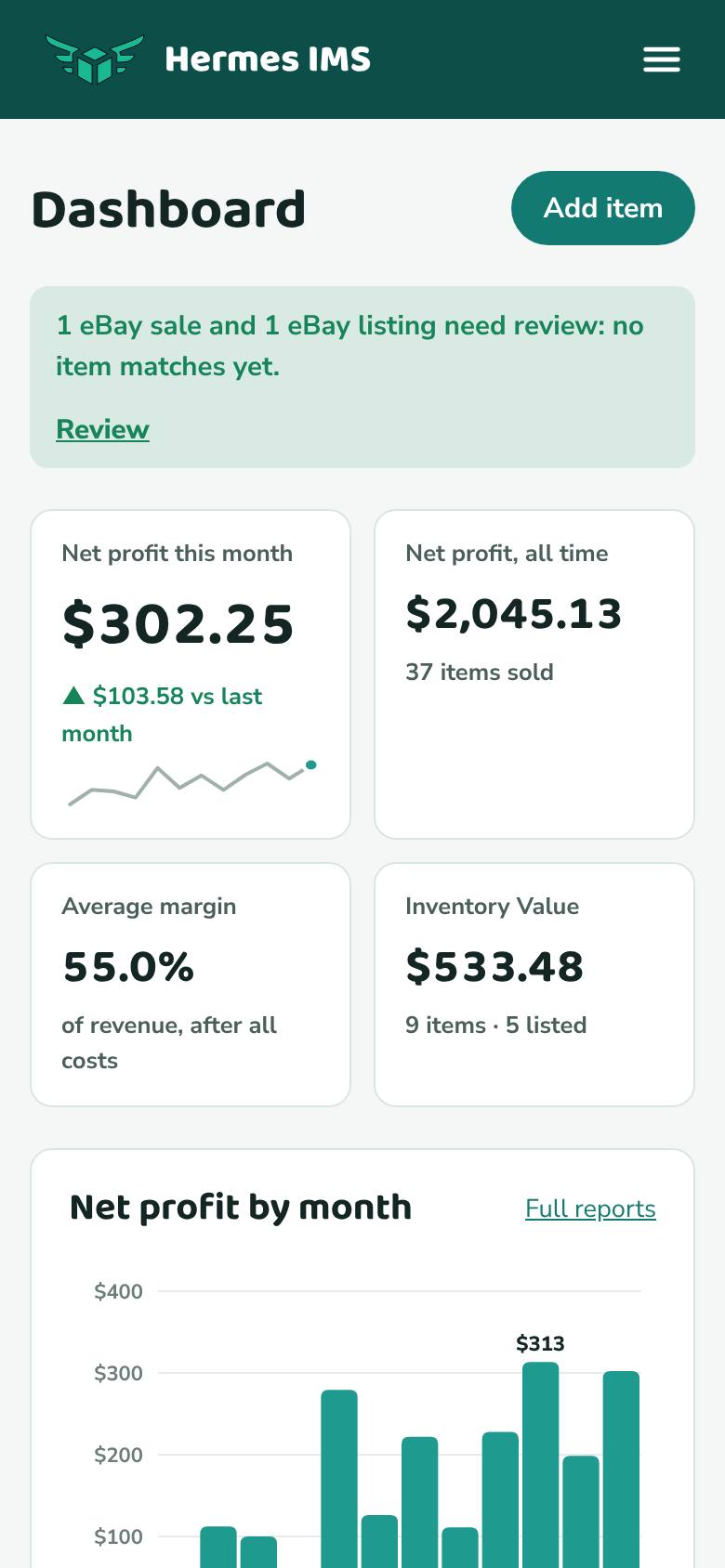
There's no app to install. Hermes works in Safari, Chrome, or any modern phone browser, and everything you can do on a computer you can do on your phone, including taking an item photo with your camera.
On a phone, the links to every page are behind the menu button (☰) at the top right, next to the Hermes logo. Tap it to open the menu, and tap a page to go there. Your monthly item count is in Settings → Plan & billing.
Add Hermes to your home screen
- iPhone (Safari): open hermesims.com, sign in, tap the Share button, then Add to Home Screen.
- Android (Chrome): open hermesims.com, sign in, tap the ⋮ menu, then Add to Home screen.